Windows Starter
Price at checkout
- CPU
- 2 vCPU cores
- RAM
- 4 GB
- Storage
- 60 GB NVMe SSD
- Bandwidth
- 2 TB
- Windows Server license
- Full RDP Administrator Access
- Windows License Included
A licensed Windows Server desktop in a Tier III data center, ready for Remote Desktop minutes after you order. Run business software, trading terminals and .NET applications 24/7 with full administrator control.
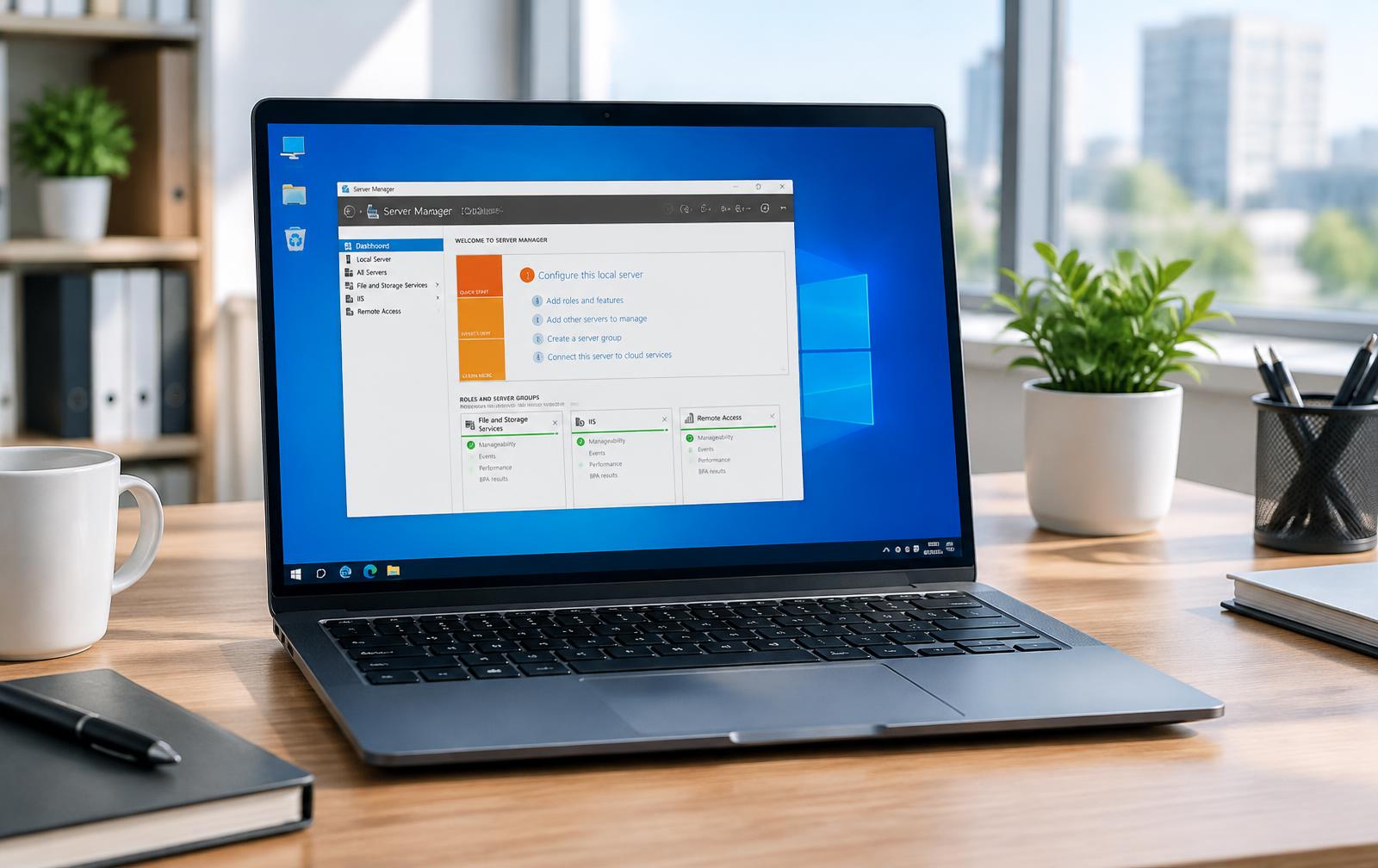
A Windows VPS is a Windows Server computer that never switches off. You connect to it with Remote Desktop from your laptop, office PC or phone and see the same desktop every time, with your applications still running.
Each server runs on KVM with its own allocated CPU and RAM and NVMe storage, so heavy applications and Windows updates stay responsive.
Choose the template on the order page. The license for the standard templates is included in the listed plans.
| Server 2016 | Server 2019 | Server 2022 | Server 2025 | |
|---|---|---|---|---|
| Availability | On request | Standard template | Standard template | On request |
| License in listed plans | Ask us | Ask us | ||
| RDP administrator access | ||||
| Good for | Older software | Proven, widely supported | Newest standard, longer support | Latest features |
Remote Desktop Services licenses for additional concurrent users and third-party application licenses are not included.
CPU, RAM, NVMe storage and bandwidth per plan. Pick your location and Windows template on the order page.
Prices for these plans are confirmed on the order page. Location, operating system and extras are chosen on the order page, where the final total is confirmed.
Your welcome email contains the server IP address and Administrator password. Then it takes three steps.
Windows-only software that needs to stay online, close to the people who use it.
Keep MetaTrader terminals and expert advisors running 24/7, even when your own computer is off.
Host ASP.NET sites and APIs on IIS with application pools and HTTPS bindings.
Give your team remote access to desktop accounting and business software from one central server.
A shared Windows workspace your staff can reach from home or the office.
Run SQL Server Express or your licensed edition on NVMe storage.
Run PowerShell scripts, scheduled jobs and Windows services around the clock.
You are the Administrator. These are the habits we recommend from day one.
Change the password from your welcome email straight away and store it in a password manager.
Restrict Remote Desktop to known IP addresses in Windows Firewall, or change the default RDP port to cut down on automated login attempts.
Install Windows updates regularly and reboot at a time that suits your users.
Our network filters attack traffic before it reaches your server; your firewall rules handle the rest.
Free backups are not included. Keep copies of important files and databases somewhere else, or ask about backup add-ons.
Quick answer
A Windows VPS is a virtual private server that runs Windows Server instead of Linux. Near VPS Windows plans use KVM virtualization with dedicated vCPU, RAM and NVMe storage, include a Windows Server 2019 or 2022 license, and give you full Administrator access over Remote Desktop (RDP) for business apps, .NET and trading software.
Answers about Windows VPS, RDP access, licensing and setup.
Order a Windows VPS, choose Windows Server 2019 or 2022, and connect with Remote Desktop minutes after your order is paid.